


Description
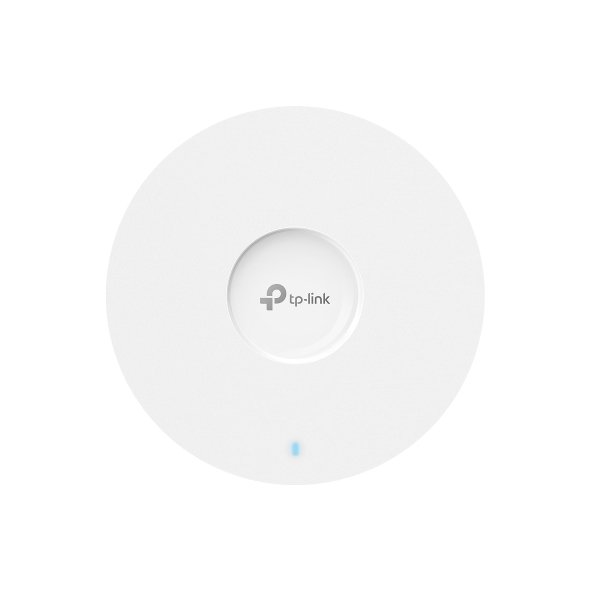
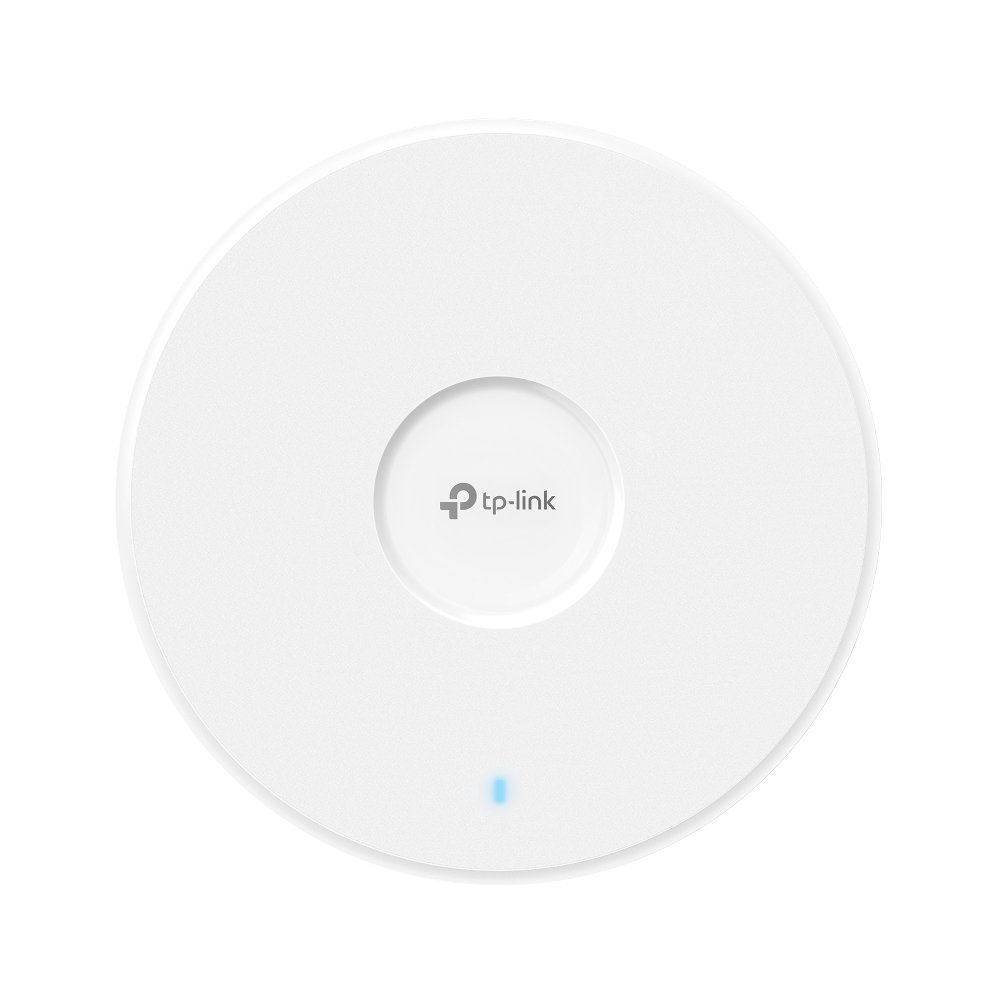
TP-Link EAP230-Wall is a wall-plate wireless access point designed to bring dedicated, high-speed Wi-Fi to individual rooms in environments where consistent coverage matters most. Built for spaces like hotels, offices, and dormitories, this device replaces a standard wall outlet or light switch faceplate, blending seamlessly into any room while delivering a private, high-performance wireless connection to each space it serves.
At the core of the TP-Link EAP230-Wall is dual-band AC1200 wireless technology, offering combined speeds of up to 1200Mbps, with 300Mbps on the 2.4GHz band and 867Mbps on the 5GHz band. This dual-band setup, powered by 802.11ac wave 2 technology, allows multiple users in the same room to connect and stream simultaneously without a noticeable drop in performance. MU-MIMO support further enhances this by allowing the access point to communicate with several devices at once, rather than handling connections one at a time, resulting in smoother, more efficient network usage.
One of the most practical aspects of the TP-Link EAP230-Wall is its physical design. Measuring just 11mm thin, it fits into a standard wall junction box, giving it the same footprint as a light switch or power outlet cover. This makes it especially useful for hotel rooms, private offices, or dormitory setups where a bulky ceiling-mounted access point would be impractical or visually disruptive. Installation is straightforward, with the faceplate simply detaching from the junction box for wiring before being securely reattached.
Connectivity is handled through two Gigabit Ethernet ports, one for uplink and one for downlink, allowing the TP-Link EAP230-Wall to both receive its network connection and pass data through to a wired device in the same room, such as a smart TV or desktop computer. Power is supplied through 802.3af/at PoE, meaning a single Ethernet cable can carry both data and power, eliminating the need for a separate electrical outlet or additional wiring during installation.
Management is fully integrated into TP-Link’s Omada SDN platform, giving network administrators the ability to configure, monitor, and adjust settings across multiple access points from a single interface. Setup can be completed through the Omada app or a web browser, with support for Zero-Touch Provisioning and one-click adoption, making large-scale deployments across many rooms significantly easier to manage compared to configuring each unit individually.
For property managers, IT administrators, and business owners overseeing spaces with numerous separated rooms, the TP-Link EAP230-Wall solves a common Wi-Fi challenge: providing strong, private wireless coverage in areas where a single centralized access point simply can’t reach effectively. Its blend of solid AC1200 performance, discreet wall-mounted design, and centralized SDN management makes it a smart, scalable solution for multi-room wireless deployments.
TP-Link EAP230-Wall HARDWARE FEATURES |
|
|---|---|
| Interface | • Uplink: 1× 10/100/1000 Mbps Ethernet Port • Downlink: 1× 10/100/1000 Mbps Ethernet Port |
| Physical Security Lock | No |
| Button | LED/Wi-Fi Button, RESET |
| Power Supply | 802.3af/802.3at PoE |
| Max. Power Consumption | 7 W |
| Dimensions ( W x D x H ) | 3.4 × 3.4 × 1.2 in (86.8 × 86.8 × 30.2 mm) |
| Antenna | 2 Dual-Band Antennas • 2.4 GHz: 2× 4 dBi • 5 GHz: 2× 3.6 dBi |
| Mounting | Wall Plate Mounting |
| Hardware Watch Dog | Yes |
TP-Link EAP230-Wall WIRELESS FEATURES |
|
|---|---|
| Coverage | 25㎡(300 ft²)** |
| Concurrent Clients | 200+* |
| Wireless Standards | IEEE 802.11n/g/b/ac |
| Frequency | 2.4 GHz and 5 GHz |
| Signal Rate | • 5 GHz: Up to 867 Mbps • 2.4 GHz: Up to 300 Mbps |
| Wireless Functions | • 16 SSIDs (Up to 8 SSIDs on each band) • Enable/Disable Wireless Radio • Automatic Channel Assignment • Transmit Power Control (Adjust Transmit Power on dBm) • QoS(WMM) • Load Balance • Rate Limit • Reboot Schedule • Wireless Schedule • Wireless Statistics based on SSID/AP/Client • MU-MIMO • Band Steering • Beamforming |
| Wireless Security | • Captive Portal Authentication • Access Control • Wireless Mac Address Filtering • Wireless Isolation Between Clients • SSID to VLAN Mapping • Local LAN port based VLAN • Rogue AP Detection • 802.1X Support • 64/128/152-bit WEP / WPA / WPA2-Enterprise, WPA-PSK / WPA2-PSK |
| Transmission Power | CE: • ≤20 dBm (2.4 GHz, EIRP) • ≤23 dBm (5 GHz, EIRP) |
TP-Link EAP230-Wall Management Features |
|
|---|---|
| Omada App | Yes |
| Centralized Management | • Omada Cloud-Based Controller • Omada Hardware Controller (OC300) • Omada Hardware Controller (OC200) • Omada Software Controller |
| Cloud Access | Yes (Through OC300, OC200, Omada Cloud-Based Controller, or Omada Software Controller) |
| Email Alerts | Yes |
| LED ON/OFF Control | Yes |
| Management MAC Access Control | Yes |
| SNMP | v1,v2c |
| System Logging Local/Remote Syslog | Local/Remote Syslog |
| SSH | Yes |
| Web-based Management | HTTP/HTTPS |
| L3 Management | Yes |
| Multi-site Management | Yes |
| Management VLAN | Yes |
| Zero-Touch Provisioning | Yes. Requiring the use of Omada Cloud-Based Controller. |
OTHERS |
|
|---|---|
| Certification | CE, RoHS |
| Package Content | • Omada AC1200 Wireless MU-MIMO Gigabit Wall-Plate Access Point EAP230-Wall • Installation Guide • Mounting Screw |
| System Requirements | Microsoft Windows XP, Vista, Windows 7, Windows 8, Windows10 |
| Environment | • Operating Temperature: 0–40 ℃ (32–104 ℉) • Storage Temperature: -40–70 ℃ (-40–158 ℉) • Operating Humidity: 10–90% RH non-condensing • Storage Humidity: 5–90% RH non-condensing |




Reviews
There are no reviews yet.