



Description
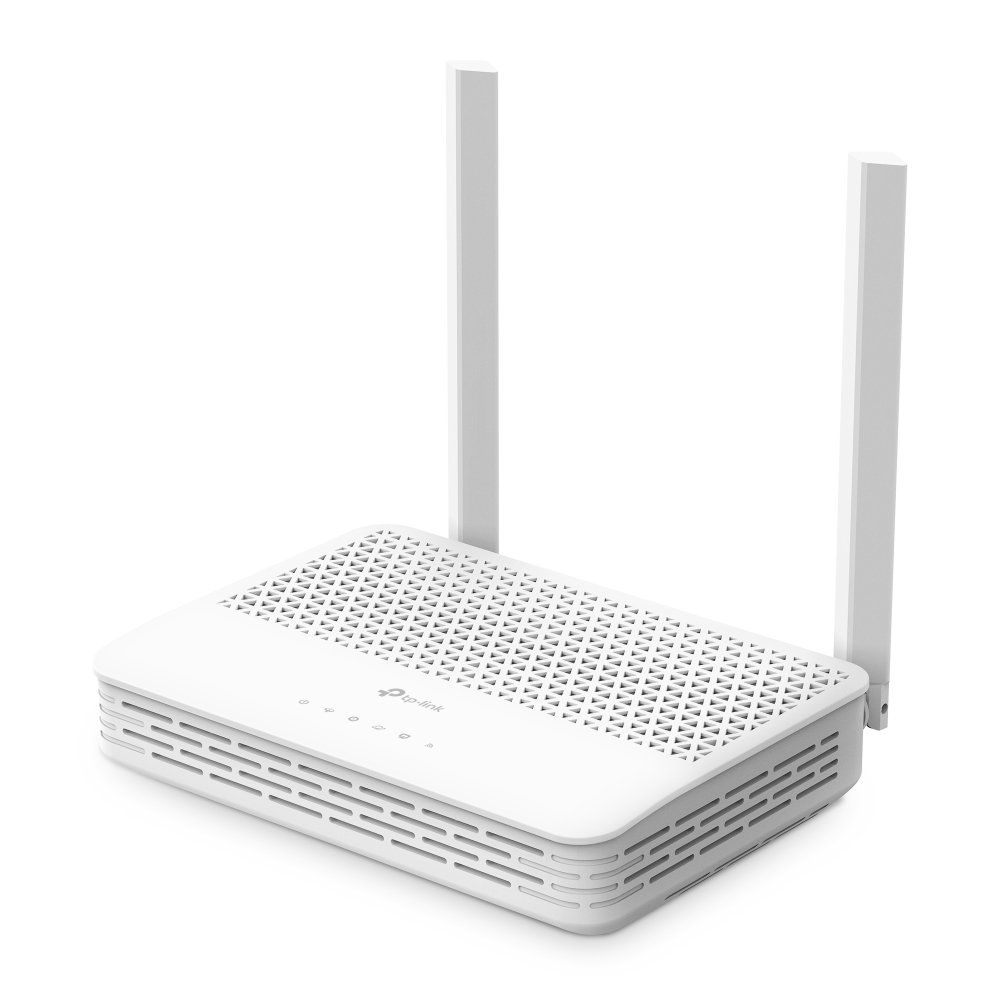
The TP-Link XC220-G3 AC1200 Wireless XPON Router is an XPON terminal supporting both GPON and EPON dual modes with automatic switching, giving it flexible fiber connectivity across different ISP network types. Equipped with a GPON + EPON dual-mode PON port, the TP-Link XC220-G3 AC1200 Wireless XPON Router delivers up to 2.5Gbps of internet access via GPON, with EPON mode adding extra deployment flexibility for ISPs running mixed network infrastructure.
On the WiFi side, the XC220-G3 offers superfast dual-band coverage reaching up to 1.2Gbps combined — 300Mbps on 2.4GHz and 867Mbps on 5GHz — letting households stream, game, and browse across multiple devices simultaneously. It’s EasyMesh-compatible, allowing it to form a unified mesh WiFi network with other compatible routers or access points for seamless whole-home coverage, and it includes 2 Gigabit Ethernet LAN ports for connecting PCs, game consoles, or smart TVs with wired stability.
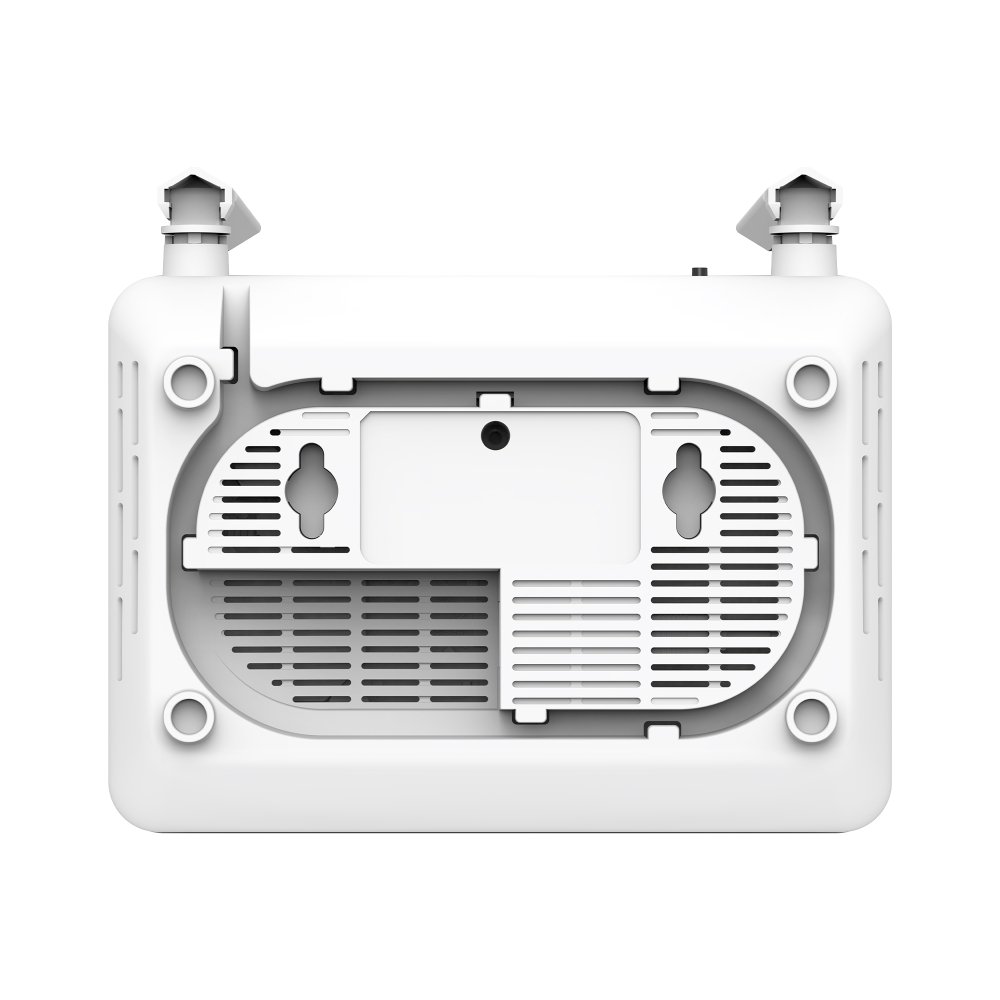
Built with everyday reliability in mind, the TP-Link XC220-G3 AC1200 Wireless XPON Router supports smooth IPTV via IGMP Proxy/Snooping and VLAN tagging, along with WPA3 encryption, multi-SSID, and parental controls for enhanced network security. A compact fiber tray design keeps redundant fiber cable stored safely inside the unit, protecting it from accidental damage. Setup and day-to-day management are simplified through the Aginet app, and ISPs can remotely configure and maintain the device using OMCI and TR-069 protocols. Below are the full technical specifications.
TP-Link XC220-G3 Hardware Specifications
Interfaces
| Specification | Details |
|---|---|
| PON Port | 1 × SC/APC Port |
| LAN Port | 1 × 10/100/1000Mbps LAN Port |
Buttons
| Specification | Details |
|---|---|
| Button | Reset Button |
Power
| Specification | Details |
|---|---|
| External Power Supply | 12V / 0.6A |
IEEE Standards
| Standard | Details |
|---|---|
| Wireless Standards | IEEE 802.11g, IEEE 802.11b, IEEE 802.11n |
| Ethernet Standards | IEEE 802.3, IEEE 802.3u, IEEE 802.3ab |
| GPON Standards | ITU G.984.1, ITU G.984.2, ITU G.984.3, ITU G.984.4, ITU G.988 |
Physical Specifications
| Specification | Details |
|---|---|
| Dimensions (W × D × H) | 115 × 106.7 × 24.3 mm (4.5 × 4.2 × 1.0 in.) |
| Antenna | External, 2 × 5dBi (2.4GHz) |
TP-Link XC220-G3 Wireless Specifications
| Specification | Details |
|---|---|
| Wireless Standards | IEEE 802.11g, IEEE 802.11b, IEEE 802.11n |
| Frequency | 2.4GHz |
| Wireless Speed | 300Mbps |
| Transmission Power | <20dBm (2.4GHz) |
TP-Link XC220-G3 Wireless Features
| Feature | Details |
|---|---|
| Wireless Functions | Enable/Disable Wireless Radio, WMM, Wireless Statistics |
| Wireless Security | 64/128-bit WEP, WPA/WPA2, WPA-PSK/WPA2-PSK Encryption |
| Wireless Schedule | Supports 2.4GHz Schedule |
TP-Link XC220-G3 Software Features
Quality of Service
| Feature | Details |
|---|---|
| QoS | ATM QoS, QoS |
Advanced Features
| Feature | Details |
|---|---|
| Authentication Modes | SN, Password, SN + Password |
| FEC | Upstream & Downstream FEC |
| Encryption | AES Encryption |
| Dynamic Bandwidth Allocation | DBA Supported |
| NSR/SR | Supported |
| VLAN | IEEE 802.1Q VLAN |
| Static Routing | Supported |
| IGMP | IGMP v1/v2/v3 |
| T-CONT | 16 T-CONTs |
| GEM Ports | 256 GEM Ports |
Security
| Feature | Details |
|---|---|
| Firewall | NAT Firewall, SPI Firewall |
| Access Control | Supported |
| MAC / URL Filtering | Supported |
| DoS Protection | Denial of Service (DoS), SYN Flooding, Ping of Death |
| IP & MAC Binding | Supported |
Management Features
| Feature | Details |
|---|---|
| Management Methods | OMCI, Web-Based Configuration, Command Line Interface |
| TR-069 | SSL for TR-069 |
| Firmware Upgrade | OMCI-Based Firmware Upgrade |
DHCP
| Feature | Details |
|---|---|
| DHCP Functions | Server, Client, DHCP Client List, Address Reservation, DHCP Relay |
Port Forwarding
| Feature | Details |
|---|---|
| Port Forwarding Features | Virtual Server, DMZ, ALG, UPnP |
Dynamic DNS
| Feature | Details |
|---|---|
| Dynamic DNS | DynDns, NO-IP |
Network Protocols
| Feature | Details |
|---|---|
| Supported Protocols | IPv4, IPv6 |
TP-Link XC220-G3 Package Contents
| Item | Details |
|---|---|
| Device | 300Mbps Wireless N Gigabit GPON Router XN020-G3 |
| Ethernet Cable | RJ45 Ethernet Cable |
| Quick Installation Guide | Included |
| Power Adapter | Included |
TP-Link XC220-G3 System Requirements
| Requirement | Details |
|---|---|
| Operating Systems | Microsoft Windows 98SE, NT, 2000, XP, Vista, Windows 7, 8, 8.1, 10, MAC OS, NetWare, UNIX, Linux |
| Supported Browsers | Internet Explorer 11, Firefox 12.0, Chrome 20.0, Safari 4.0, or Other Java-Enabled Browsers |
TP-Link XC220-G3 Environmental Conditions
| Parameter | Details |
|---|---|
| Operating Temperature | 0°C to 40°C (32°F to 104°F) |
| Storage Temperature | -40°C to 70°C (-40°F to 158°F) |
| Operating Humidity | 10%–90% (Non-condensing) |
| Storage Humidity | 5%–90% (Non-condensing) |




Reviews
There are no reviews yet.